Software Policies
A software policy is a named list of OPNsense plugins and FreeBSD packages, each marked Present or Absent. Attach the policy to a template and NetDefense installs or uninstalls the matching packages on every device that template reaches during the next sync. Read the conceptual model in Software Policies.
Software Policies list
Section titled “Software Policies list”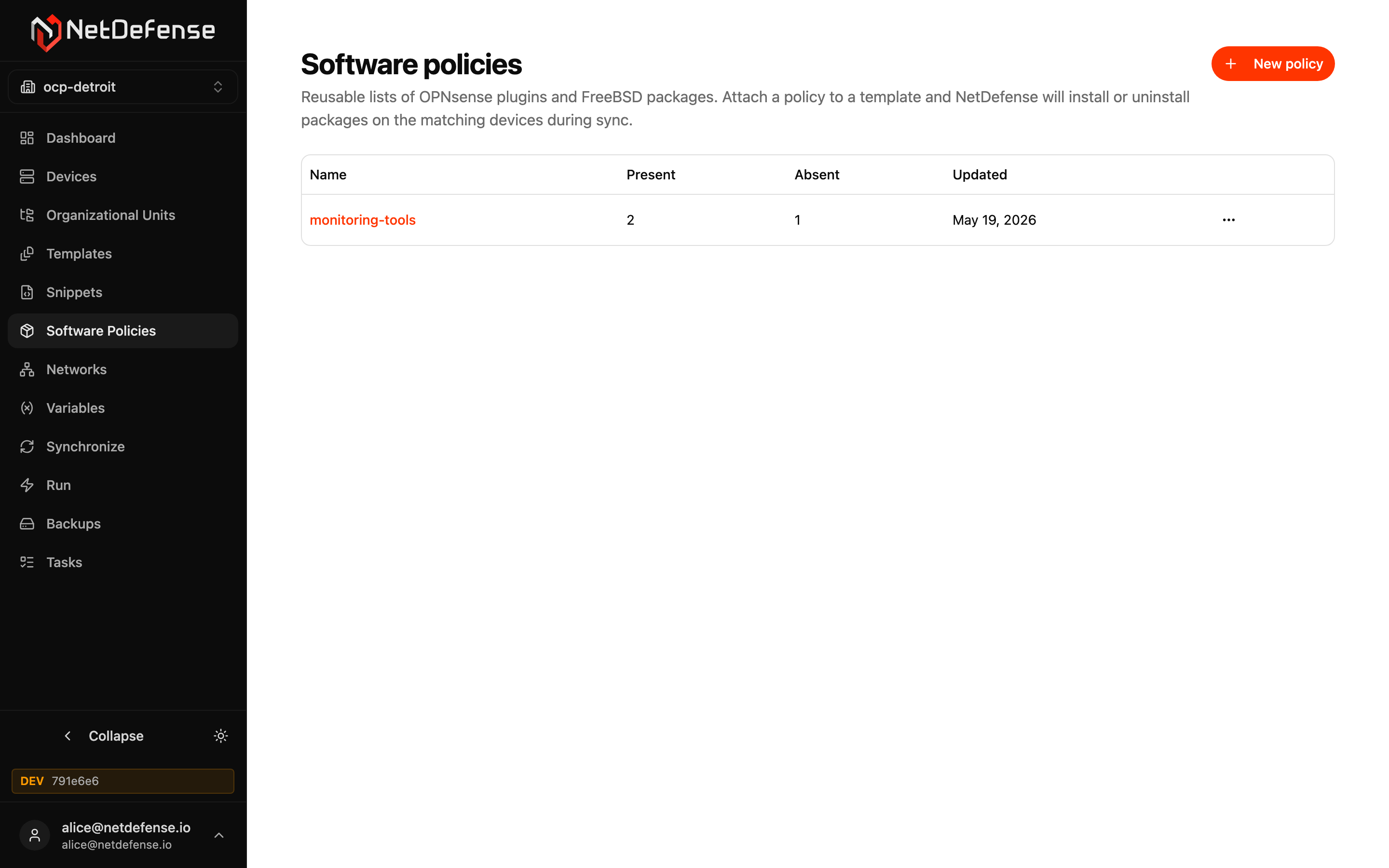
Each row is one policy:
| Column | Meaning |
|---|---|
| Name | Click to open the policy. |
| Present | Number of packages the policy requires: they must be installed. |
| Absent | Number of packages the policy blocks: they must be removed. |
| Repos | Number of custom package repositories the policy adds. |
| External | Number of external packages the policy installs from a URL. |
| Updated | When the policy or its package list was last changed. |
Each row’s … menu has Open and Delete.
Creating and editing a policy
Section titled “Creating and editing a policy”+ New policy in the top-right asks for a name and creates the policy empty. On the policy’s own page, you mark packages as required (Present) or blocked (Absent) by their FreeBSD package or OPNsense plugin name. You can also add custom repositories, which the device gets before any package work, and external packages, installed from a URL for software no repository serves. Rename and Delete are at the top of that page.
Once saved, the policy is inert until you attach it to a template, from the Software Policies card on the template’s page. When a device synchronises with a template that includes a software policy, NDAgent computes the diff between what’s installed locally and what the policy declares, then installs or removes packages to converge. Failures surface as failed tasks on the device’s history.
Policies are organization-scoped, so the same list can be reused across multiple templates without duplication.